
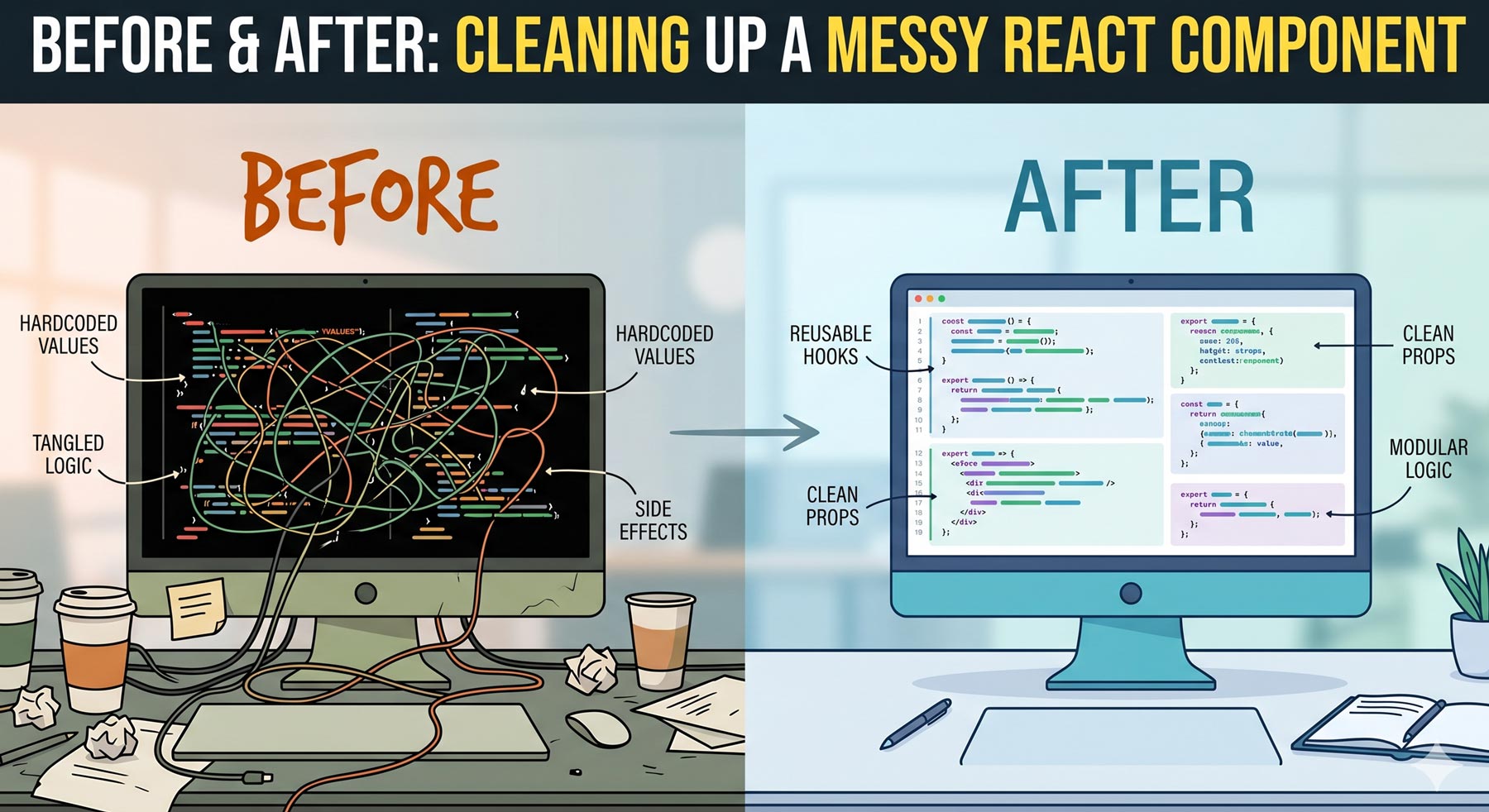
We’ve all been there. A component starts its life as a clean, 30-line file. Then, feature requests roll in. A random useEffect is added to sync some data. A couple of complex conditional ternaries creep into the JSX. A few analytic tracking statements get pasted inside a click handler.
Suddenly, you’re staring at a 400-line monster. It’s hard to read, terrifying to test, and a single change might break three unrelated features.
Let’s take a realistic look at a messy, bloated React component and refactor it step-by-step into clean, maintainable, production-grade code.
The “Before”: The Kitchen-Sink Component
Take a look at this UserProfile component. It handles data fetching, local state management, complex conditional UI rendering, and business logic processing—all in one place.
// UserProfile.jsx (The Messy Version)
import React, { useState, useEffect } from 'react';
import axios from 'axios';

export default function UserProfile({ userId }) {
  const [user, setUser] = useState(null);
  const [loading, setLoading] = useState(true);
  const [isEditing, setIsEditing] = useState(false);
  const [formData, setFormData] = useState({ name: '', email: '' });

  useEffect(() => {
    setLoading(true);
    axios.get(`/api/users/${userId}`)
      .then(res => {
        setUser(res.data);
        setFormData({ name: res.data.name, email: res.data.email });
        setLoading(false);
      })
      .catch(err => {
        console.error(err);
        setLoading(false);
      });
  }, [userId]);

  const handleSave = async () => {
    // Analytics tracking mixed with business logic
    if (window.analytics) {
      window.analytics.track('Clicked Save Profile', { userId });
    }

    try {
      const res = await axios.put(`/api/users/${userId}`, formData);
      setUser(res.data);
      setIsEditing(false);
    } catch (err) {
      alert('Failed to save profile updates.');
    }
  };

  if (loading) return <div>Loading secure profile data...</div>;
  if (!user) return <div>User record not found.</div>;

  return (
    <div className="profile-container">
      <h1>User Settings</h1>
      {isEditing ? (
        <div className="edit-form">
          <input
            value={formData.name}
            onChange={e => setFormData({ ...formData, name: e.target.value })}
          />
          <input
            value={formData.email}
            onChange={e => setFormData({ ...formData, email: e.target.value })}
          />
          <button onClick={handleSave}>Save Changes</button>
          <button onClick={() => setIsEditing(false)}>Cancel</button>
        </div>
      ) : (
        <div className="profile-view">
          <p><strong>Name:</strong> {user.name}</p>
          <p><strong>Email:</strong> {user.email}</p>
          <p><strong>Account Status:</strong> {user.isActive ? 'Active Member' : 'Suspended'}</p>
          {user.role === 'admin' && <span className="badge">Administrator Privileges</span>}
          <button onClick={() => setIsEditing(true)}>Edit Profile</button>
        </div>
      )}
    </div>
  );
}
Why is this component a technical liability?
-
Tight Coupling: The component is tightly coupled to the
axiosnetwork client. If you migrate your app to use GraphQL or a standardfetchwrapper, you’ll have to dig inside your UI files to update the logic. -
State Management Overhead: Managing four distinct state hooks in a single component causes unnecessary re-renders and makes tracing state changes mentally exhausting.
-
Bloated JSX: The return block contains deeply nested ternary operators and logic flags (
user.role === 'admin'). This hurts scannability.
The Strategy: Separation of Concerns
To clean this up, we are going to apply three core engineering principles:
-
Custom Hooks: Abstract the data-fetching and form-handling logic out of the UI layer entirely.
-
Component Splitting: Divide the UI into small, focused sub-components.
-
Declarative Conditional Rendering: Clean up the nested ternaries for easier reading.
The “After”: Elegant, Decoupled Architecture
First, we isolate the behavior into a highly reusable, testable custom hook:
// useUserProfile.js (Custom Hook)
import { useState, useEffect } from 'react';
import { fetchUserById, updateUserProfile } from '../services/api';

export function useUserProfile(userId) {
  const [user, setUser] = useState(null);
  const [loading, setLoading] = useState(true);
  const [isEditing, setIsEditing] = useState(false);
  const [formData, setFormData] = useState({ name: '', email: '' });

  useEffect(() => {
    let isMounted = true;

    async function loadData() {
      try {
        const data = await fetchUserById(userId);
        if (isMounted) {
          setUser(data);
          setFormData({ name: data.name, email: data.email });
        }
      } catch (err) {
        console.error('Error loading profile data:', err);
      } finally {
        if (isMounted) setLoading(false);
      }
    }

    loadData();
    return () => { isMounted = false; };
  }, [userId]);

  const saveProfile = async () => {
    try {
      const updatedUser = await updateUserProfile(userId, formData);
      setUser(updatedUser);
      setIsEditing(false);
    } catch (err) {
      throw new Error('Update failed');
    }
  };

  return {
    user,
    loading,
    isEditing,
    formData,
    setFormData,
    setIsEditing,
    saveProfile
  };
}
Now, look at how beautifully simple our main component file becomes when we plug in our hook and smaller presentational components:
// UserProfile.jsx (Refactored UI Wrapper)
import React from 'react';
import { useUserProfile } from './useUserProfile';
import ProfileView from './ProfileView';
import ProfileForm from './ProfileForm';

export default function UserProfile({ userId }) {
  const {
    user,
    loading,
    isEditing,
    formData,
    setFormData,
    setIsEditing,
    saveProfile
  } = useUserProfile(userId);

  if (loading) return <div className="status-message">Loading secure profile data...</div>;
  if (!user) return <div className="status-message">User record not found.</div>;

  return (
    <div className="profile-container">
      <h1>User Settings</h1>
      {isEditing ? (
        <ProfileForm
          formData={formData}
          onChange={setFormData}
          onSave={saveProfile}
          onCancel={() => setIsEditing(false)}
        />
      ) : (
        <ProfileView
          user={user}
          onEditClick={() => setIsEditing(true)}
        />
      )}
    </div>
  );
}
(For maximum neatness, ProfileView and ProfileForm are split out into their own tiny, lightweight functional component files that just accept raw props).
The Impact of the Refactor
| Metric | Before | After |
| Main UI File Length | ~65 lines | ~26 lines |
| Testability | High difficulty (Requires API mocking inside UI tests) | Extremely easy (Test hook logic and pure UI props separately) |
| Readability | Poor (Cognitive overload from mixed logic) | High (Reads like a simple blueprint) |
Key Takeaways for Your Next Refactor
-
Keep UI Dumb: Your main JSX files should focus strictly on how things look, not how things work.
-
Extract Side-Effects immediately: If you see an API call, analytics ping, or local-storage sync sitting inside your component wrapper, strip it out into a custom hook or an external service module.
-
Value Scannability over Density: Writing compact, compressed inline logic might feel satisfying in the moment, but split sub-components pay dividends when a teammate needs to update the code six months from now.